




Why Choose Us
Why Choose Us
Simple & Secure Migration to Zoho Commerce, from Any Platform
StorShift is a secure, reliable, web-based eCommerce migration tool that helps businesses migrate their online stores to Zoho Commerce. Our automated migration solution securely transfers products, customers, orders, and other essential store data from WooCommerce, Shopify, BigCommerce, and other leading eCommerce platforms while preserving data accuracy, maintaining data relationships, and minimizing downtime for a seamless transition.

Secure & Reliable
Data is transferred using secure protocols with zero risk of loss.

Minimal Downtime
Migration is planned to avoid disruption to your business.

Relationship Preservation
Maintains links between customers, orders, and products.

No Coding Required
The entire process is automated or handled by our migration specialists.

Simple Process
Migrate to Zoho Commerce in 3 Steps, from Any eCommerce Platform
Migrate to Zoho Commerce in 3 Steps, from Any eCommerce Platform
Our streamlined migration process ensures a smooth transition with minimal effort from your side. Get started in minutes and complete your migration in hours.

Connect Your Store
Securely connect your existing eCommerce platform by providing API credentials or store URL. Our system automatically detects your store configuration.

Enter store credentials

Verify connection

Analyze data structure

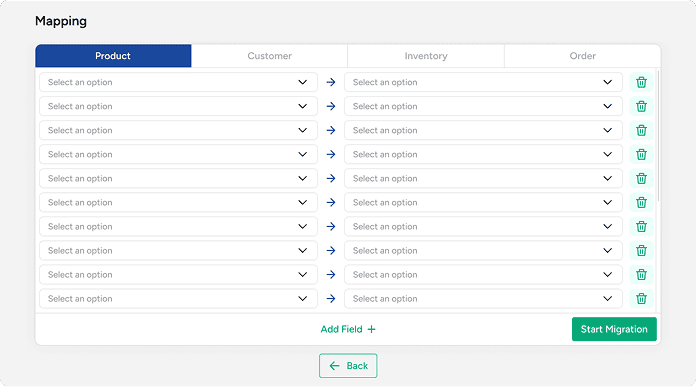
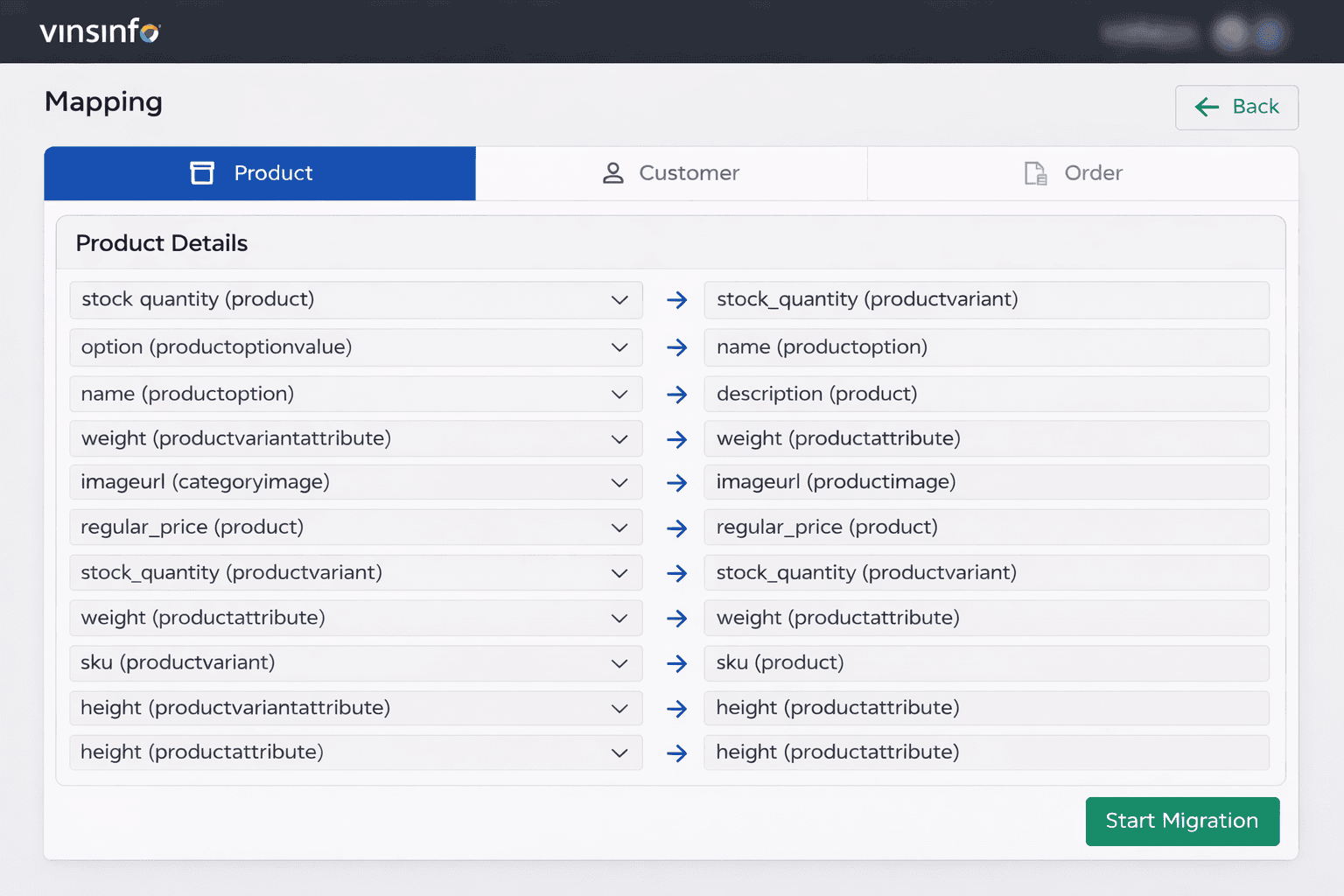
Map Your Data
Our intelligent system automatically maps your data fields to Zoho Commerce. Review and customize mappings to ensure perfect data
alignment.

Auto-detect fields
Auto-detect fields

Customize mappings

Preview migration

Monitor & Complete
Track migration progress in real-time with detailed analytics. Receive instant notifications and verify data integrity upon completion.

Real-time tracking

Instant notifications

Verify completion

Supported Platforms
Migrate from Any Major eCommerce Platform
Seamlessly transfer your store data from leading eCommerce platforms to Zoho Commerce with our automated migration tool.

WordPress eCommerce


Enterprise Platform

Leading eCommerce

Your New Platform

What Gets Migrated?
Complete data transfer with zero loss


Product Information
- Product name
- SKU (Product and Variant)
- Description and short description
- Regular price
- Stock quantity (Product and Variant)
Product Variants and
Attributes
- Product options and option values
- Variant SKU
- Variant stock quantity
- Weight (Product and Variant)
- Dimensions (Length, Width, Height)
Product Media
- Product images
- Category images
- Image URLs
Customer Account Information
- First name
- Last name
- Email address
Billing Address
- Customer name
- Address line 1 and line 2
- City, State, State code
- Country and Country code
- Postal code
- Phone number
Shipping Address
- Customer name
- Address line 1 and line 2
- City, State, State code
- Country and Country code
- Postal code
- Phone number
Order Information
- Currency
- Payment status
- Order total, discount total, tax total
- Shipping total
- Shipment status
Billing and Shipping Details
- Customer name
- Email address
- Phone number
- Company name
- Address line 1 and line 2
- City, State, Country
- Postal code
Ordered Products
- Product name
- Quantity
- Product price
- Line item attributes

How It Works
See How Easily You Can Migrate Any Ecommerce Store to Zoho Commerce
Watch a quick walkthrough of how StorShift securely transfers your store data to Zoho Commerce -with zero downtime and complete accuracy.
StorShift Migration for eCommerce is currently completely free to use with Zoho Commerce. No subscription or additional integration fees are required.

Get In Touch
Need Help with Your
Migration?
Our migration experts are here to assist you every step of the way. Fill out the form and we'll get back to you within 24hours.


Request Demo
Available 24/7
Instant support from our team

100% Secure & Confidential
Your data and information are protected with enterprise-grade security and will
never be shared with third parties.


